Most organisations and businesses tend to use Google Drive, Workspace or Microsoft 365, but at Waag Futurelab we use the open-source software NextCloud. Waag uses NextCloud for file storage and for collaborating on documents such as text files, presentations and spreadsheets.
Initially, we installed NextCloud on our own servers and ran it ourselves, with support from The Good Cloud. NextCloud allows us to easily store, share and synchronise files amongst colleagues. We can upload documents, work on files together, manage versions and set permissions for individual users or groups. This makes it particularly useful for teams collaborating on documents, also remotely.
In addition to these features, NextCloud can also be used for:
- chat
- video calls
- tasks (Kanban board, similar to Trello)
- forms (similar to Google Forms)
- calendars
- contacts
In early 2025, we migrated our NextCloud servers to The Good Cloud, who now take full responsibility for their management. This means they ensure that software updates are installed, that backups are made and that the server remains fully accessible.
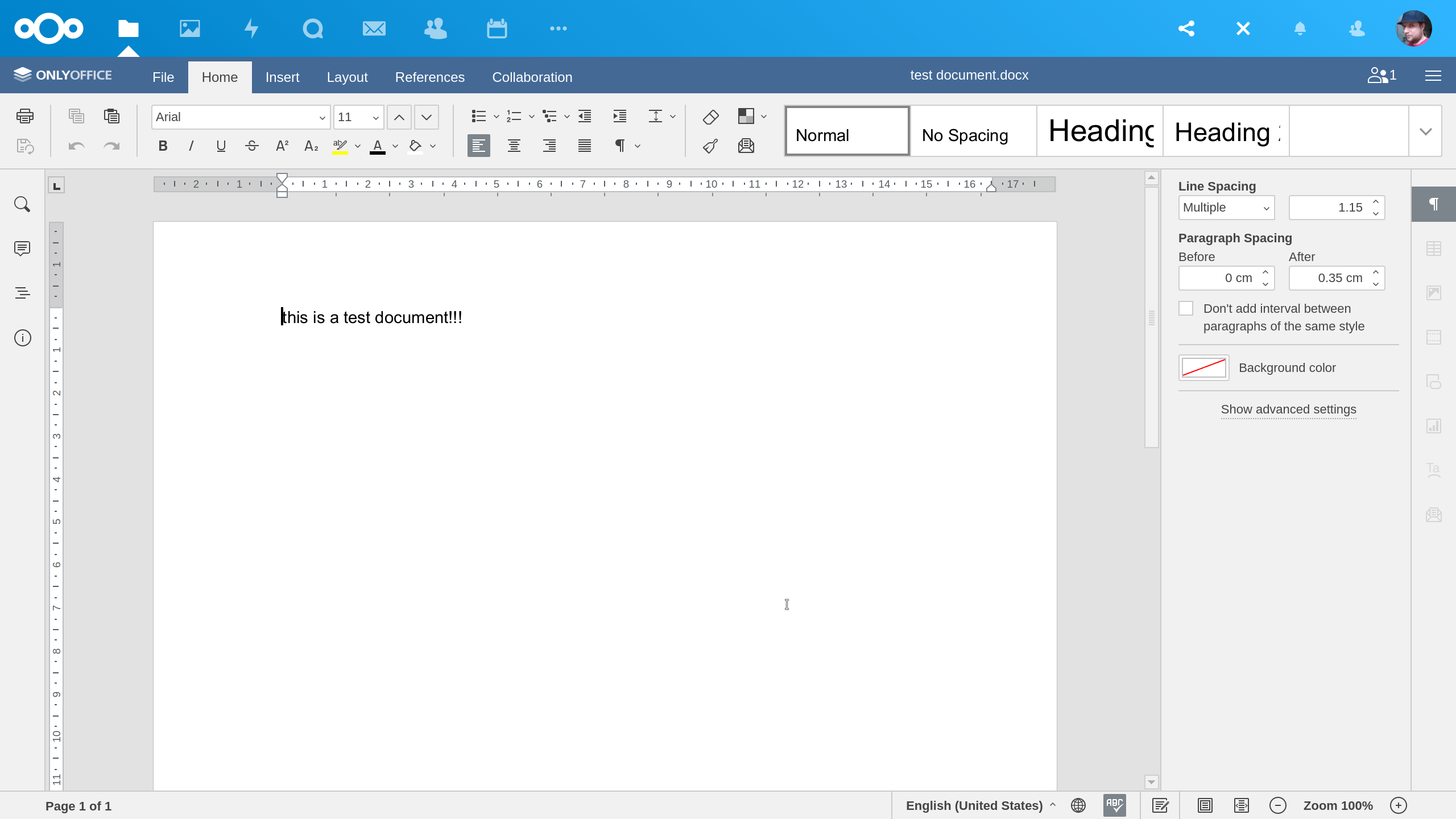
OnlyOffice as an office suite
Microsoft Office has set the standard for creating and editing files used for office work. NextCloud, too, has its own office suite that allows you to open and edit the usual file formats (such as .docx, .xlsx and .pptx). When installing NextCloud, you can choose between OnlyOffice and Collabora as your online office software. We use OnlyOffice, which can also be downloaded for free for use on your personal laptop or mobile phone. Its functionality is largely the same as that of Microsoft.
What do you need?
To use NextCloud, you need server space. You can buy a server yourself and set it up in your office or at home, but in reality it is often more convenient and cost-effective to rent server space. Some of the server space providers we use include Hetzner, and in the case of NextCloud, we rent server space through the aforementioned The Good Cloud.
To determine how much storage and memory your server needs, it is important to know how many people will be using the software (simultaneously) and also which features – such as video calling, online collaboration and full-text searchability – you want to make available.
NextCloud itself recommends:
- CPU: 1 vCore per active user
- RAM: 16GB RAM per active user
- HD: Set your own disk space quota per user. Waag allows for approximately 10GB per user, for sixty staff members. In addition, space is also required for the NextCloud software itself; in total, Waag uses 3TB. Only use SSD/NVMe storage for the NextCloud installation.
Why not Google or Microsoft?
Big tech companies often design proprietary and closed off systems, which make it difficult to switch providers once you’re using their products. This is also known as ‘lock-in’. Microsoft has cleverly exploited this by making its products the default on every Windows PC and laptop, and subsequently charging high licence fees for its software. We also know that Microsoft has also entered into contracts with the US Immigration and Customs Enforcement (ICE), and that it participated in the PRISM surveillance programme, helping the government to intercept communications via Outlook and Hotmail.
And despite earlier promises from companies such as Google that they would never become ‘evil’, they too have increasingly incorporated revenue models into their – initially free – products. The company has also been found guilty of tax avoidance, possible manipulation and censorship of search results, and the use of others’ intellectual property, whilst there are significant concerns about privacy due to the large-scale collection of data.
In addition, a societal risk arises when the systems of these tech giants fail, as happened to Microsoft in November 2026 during the Microsoft outage of 2026. In some 70 countries, people were unable to log into their Outlook or Teams accounts, which affected services in the public sector, healthcare, education and the commercial sector. When you use your own NextCloud, this contributes to the decentralisation of the internet, and we are all at less risk of large-scale outages in the event of technical problems.
Working on a Public Stack
The switch to Pretix is part of Waag's mission to promote the development of open, fair and inclusive technology. In order to practice what we preach, we use technology designed for and by users in line with public values, wherever possible. This way, we work on building our public stack: the set of technology, infrastructure and design processes that focuses not on people as consumers, but as autonomous citizens.